Print shops & signage

Print jobs take time. Customers don't need to wonder.

Live order status from proof approval to ready for collection.

No app for customers. Ready in 60 seconds.

At a glance

What QRdy does for a print shop

QRdy for print shops gives every customer a live job status page from order placement to ready for collection. A QR code at the counter links each job to a page your team updates as it moves through proofing, printing, and finishing, so customers know exactly where their order is without calling.

Why it matters

Clear communication through every stage of a print job

Print jobs run through multiple stages and customers have no visibility into where their order stands. QRdy gives every customer a live page so they track their job the way they track a parcel.

Reduce status calls during production
Keep customers informed through proofing and print stages
Make collection timing accurate
Use your own production stage names

The real problem

Customers are not just waiting for a print job. They are managing a deadline with no visibility.

Print jobs go wrong when communication breaks down between stages. A customer assumed the proof was approved. Your team was waiting for sign-off. The deadline passes. No one was at fault, the information just wasn't reaching both sides at the right time. Even when jobs run smoothly, customers call to check progress, which pulls staff away from the press. QRdy gives every customer a live status page from order to collection. Your team taps through proofing, approval, printing, finishing, and ready, the customer's page updates at each stage. Proof-ready prompts them to review without a phone call. Print in progress means they stop wondering. Ready for collection means they come in. The whole job runs smoother because both sides have the same current information at every point in the process.

How it works

From order placed to ready for collection

The customer places their order and scans the QR at the counter. Your team taps through each production stage and the customer checks the page instead of calling to ask where things are.

1

Order received

Customer places order. Live tracking page created.

No app. No account. The job is tracked from the moment it is logged.

2

Proof ready for approval

Customer reviews and approves on their page.

The proof stage becomes a prompt rather than a phone call.

3

Printing in progress

Job on the press. Status visible in real time.

That reassurance stops the mid-job check-in calls that slow down the press.

4

Ready for collection

Customer notified the moment it's done.

No guessing, no early arrivals, no finished work sitting uncollected.

What your shop and customers see

A live job page for customers and a clear production view for your team

The dashboard shows your team every active print job and its current stage. The live page gives each customer real-time progress without them calling between proof approval and collection.

QRdy dashboard showing active jobs, current step, next step, and one-tap update buttons.

Dashboard

A clear workspace for the team running the production floor

Staff can see every active job, update each production stage with one tap, and let the page handle customer communication while the press keeps running.

Customer-facing live page

Give customers clear updates from order to ready for collection

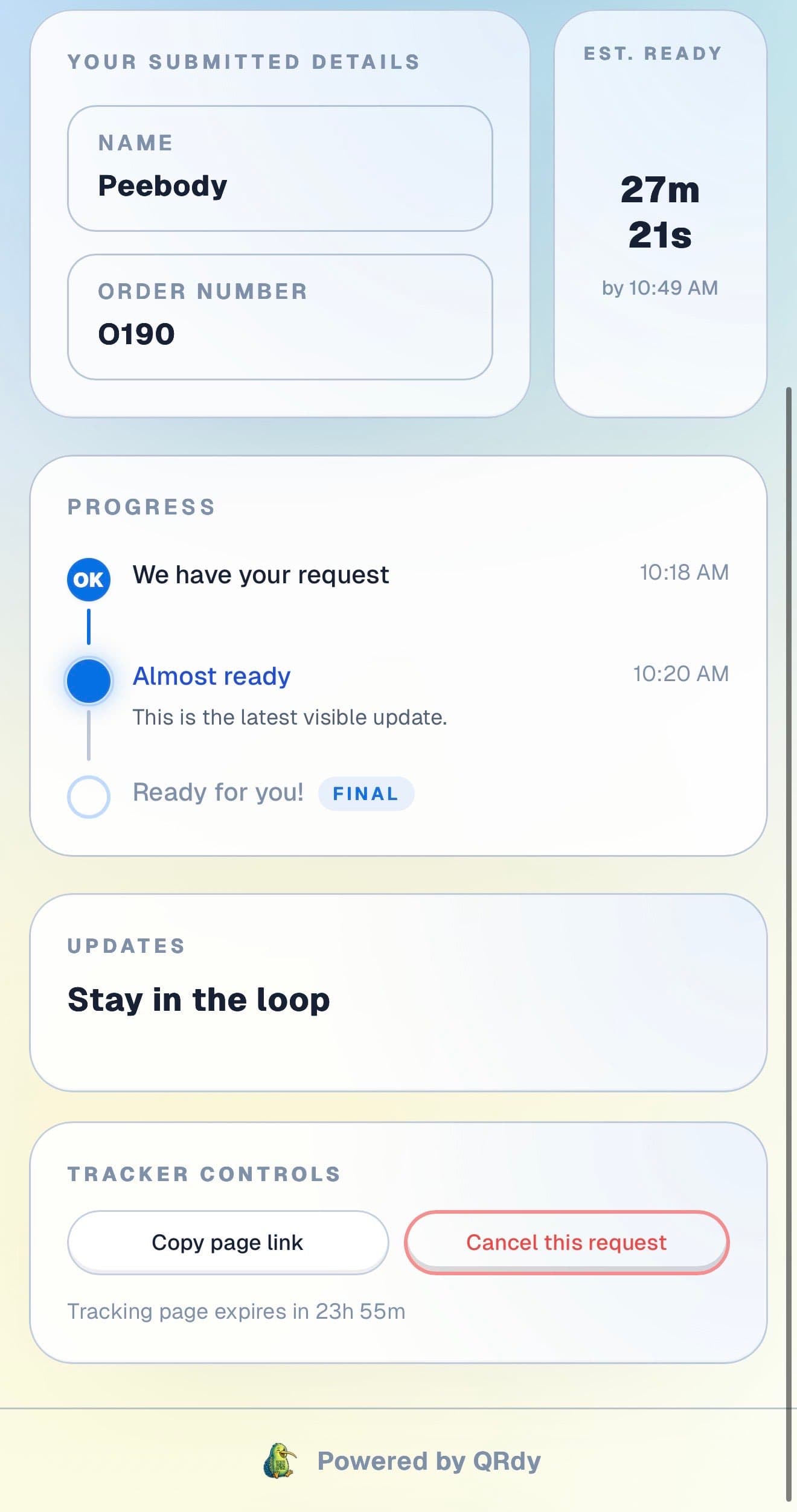
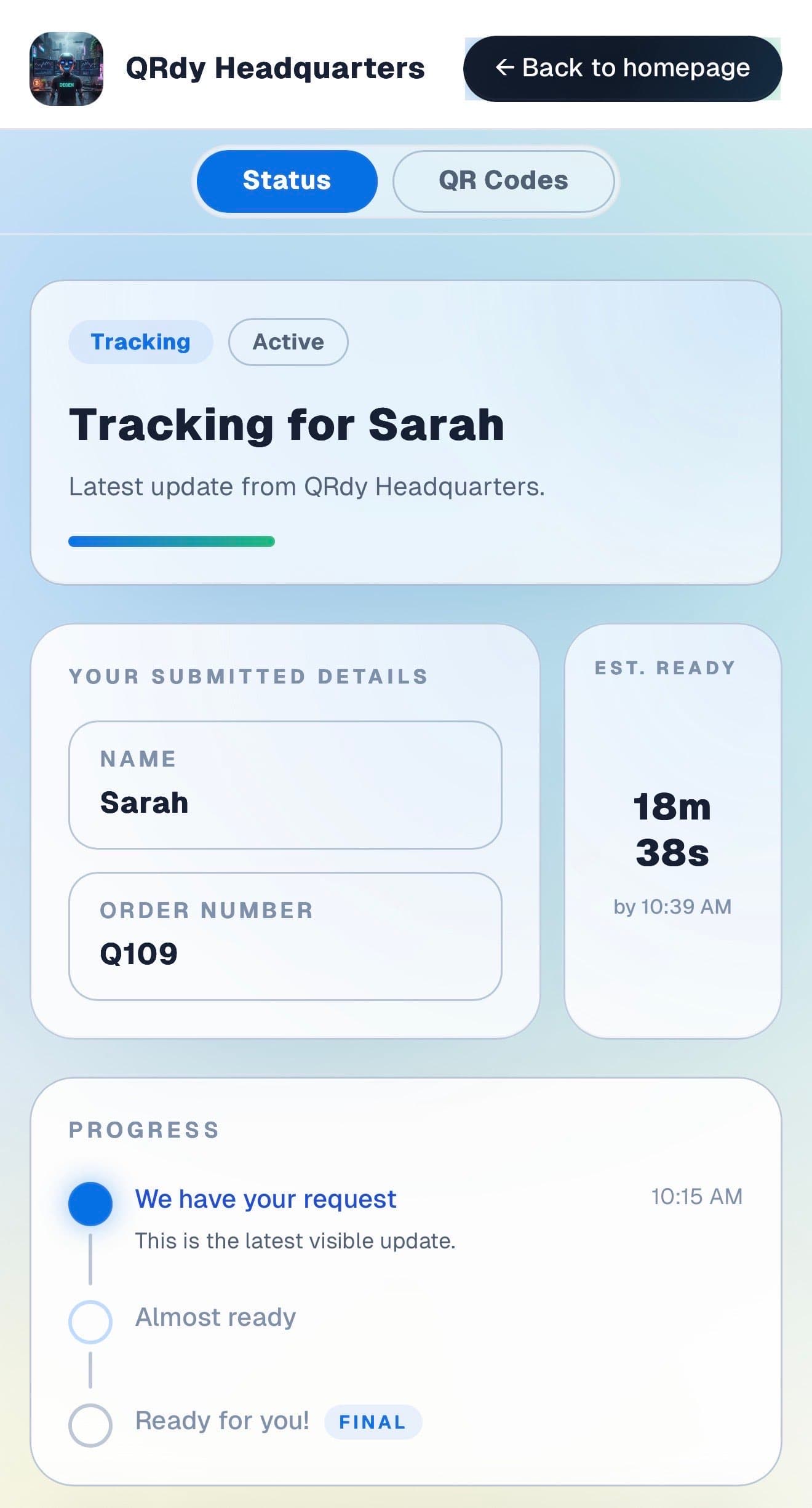
Customers want to know their job is in queue, in production, or ready, without calling between every stage. The live page gives them that at every point.

Customer tracking page showing the current job status, submitted details, and ETA.

Active tracker

The customer sees the current job status at a glance

The live page shows the current production stage and order details so customers know whether their job is proofing, printing, or ready for collection.

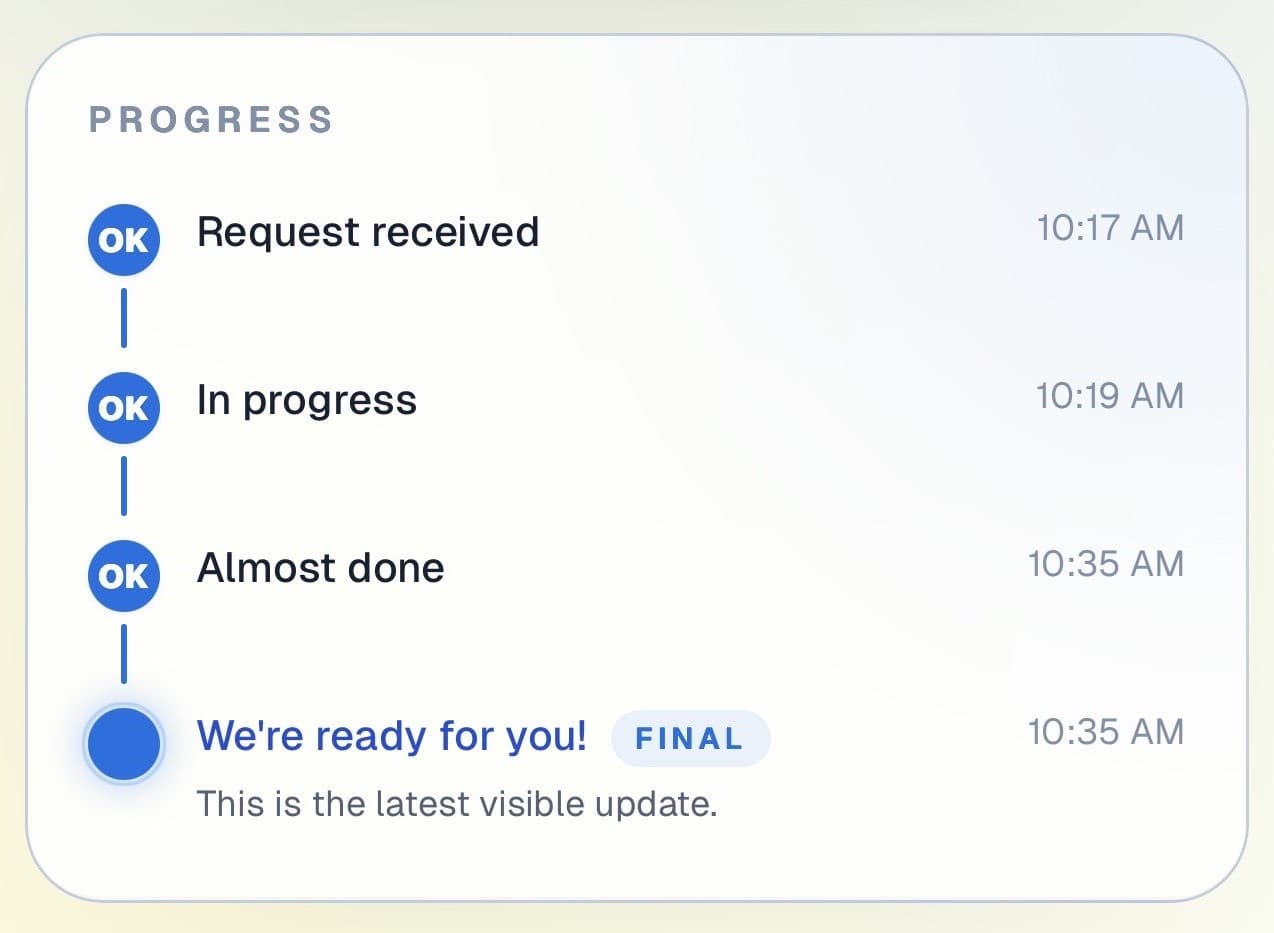
Customer progress timeline showing completed steps and the current live update.

Progress timeline

Each production stage is visible from order to done

Customers can see which stages are complete and where the job is right now. Useful for multi-day jobs or orders with a proofing approval step.

Progress timeline showing each stage with timestamps.
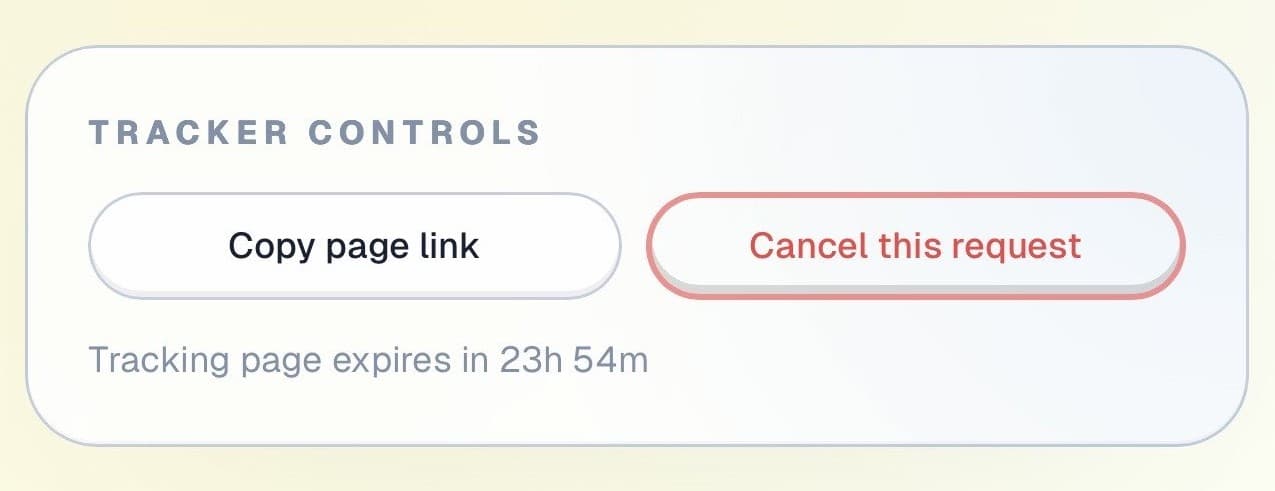
Tracker controls showing copy link and cancel request actions.

Controls and sharing

The page stays useful throughout the production run

Customers can copy their tracking link and cancel if plans change, all without calling the shop or coming in early to check.

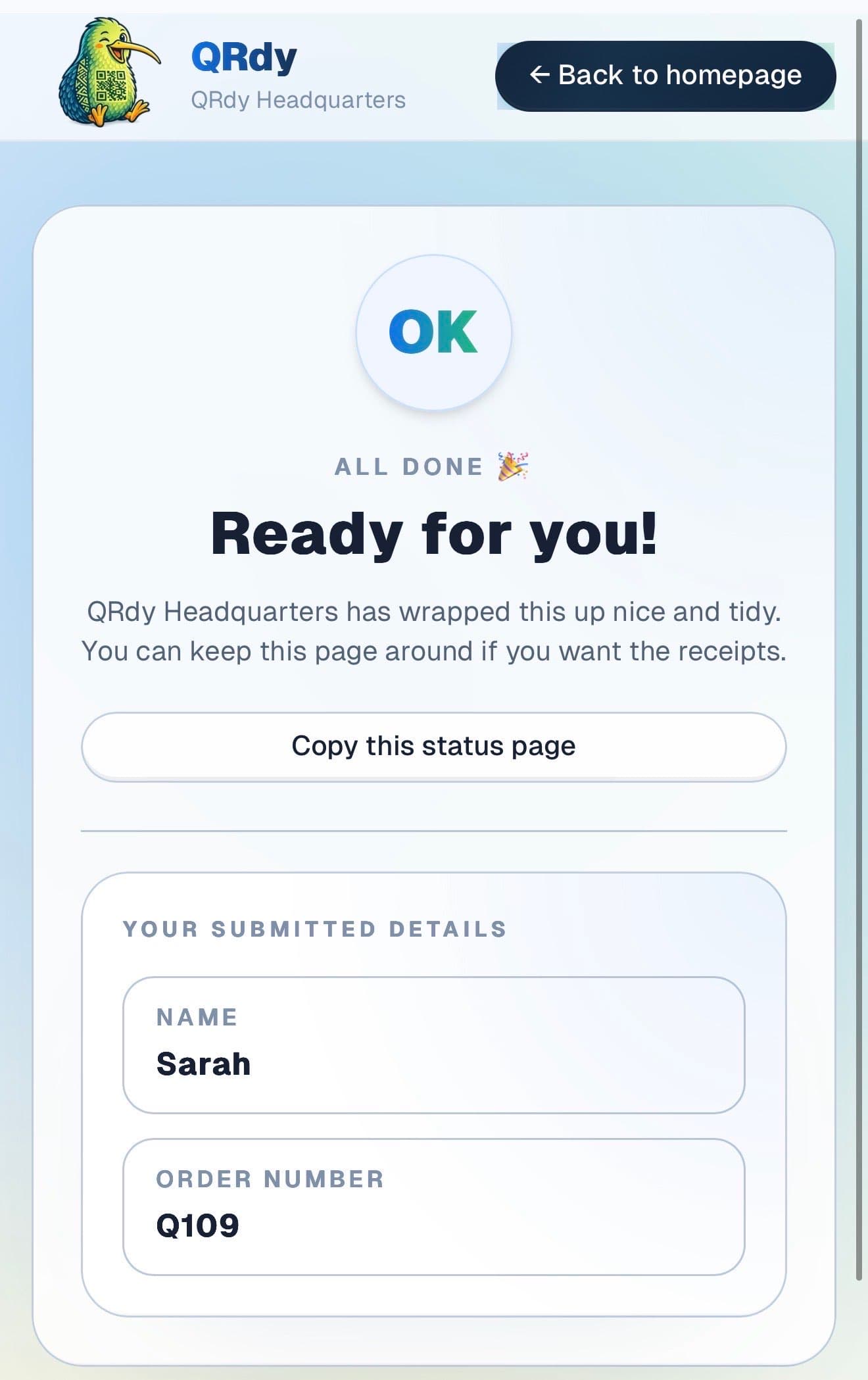
Completed tracker showing the finished state and a link the customer can keep.

Completed state

Finished print jobs look finished

When the job is done and quality-checked, the page switches to a clear ready state so the customer comes in to collect at exactly the right time.

Custom to your workflow

These stage names are examples, not a fixed template

QRdy lets you name each stage to match your production workflow. You might use order received, proof sent, proof approved, printing, finishing, and ready. Or a simpler flow for quick same-day print runs.

Rename stages to match your print workflow
Keep it simple for same-day print jobs
Add stages for proofing, laminating, or binding
Make collection timing clear without extra calls

Why QRdy

Simple for your team. Reassuring for your customers.

  • No app download for customers
  • Works on any phone with a browser
  • Staff tap one button to update status
  • Customers get a live page, not a phone call
  • Set up and running in under 60 seconds
  • Push and WhatsApp notifications on paid plans

Common questions

Frequently asked questions

How does QRdy work for a print shop?

Customers place an order, scan a QR code at your counter or follow a link, and get a live status page linked to their specific print job. As your team works through each stage, order received, proof sent, proof approved, printing, finishing, ready for collection, one tap updates the page. Customers track progress from wherever they are and come in only when the page shows their job is ready. For multi-day jobs, the live page stops the daily calls asking where the order is at.

Do customers need to download an app?

No. Customers scan the QR code at your counter and the live status page opens in their browser immediately, no app download, no account, no signup. Print shop customers range from individual walk-ins to business clients placing regular orders. QRdy works for both. The check-in is a scan and a name entry, which takes under ten seconds and works on any smartphone browser.

Can it handle same-day and multi-day print jobs?

Yes. QRdy works for any job length. A same-day business card order gets the same live page as a multi-day large-format print job. The page stays active for the full duration and customers can check status anytime. For jobs with a proofing stage, the live page keeps customers informed through each step, they see when the proof is ready for review, when printing has started, and when the final job is ready for pickup, without any individual messages from your team.

Professional communication at every stage of the job.

Get started free - no credit card, no software to install. Your first tracker is ready in under a minute.

Create a free tracker now

Running a business? Set up your business account

QR Status Updates for Print Shops | QRdy